Meet the mother of all pen stylus! *insert angel hymn here*

Ok, fine, I’m exaggerating. I honestly don’t know if this is the best stylus around but it is indeed the best Adonit Jot stylus I’ve tried out so far.
(We purchased the Adonit Jot Mini and Pro last year during the height of DrawSomething and you can read my review on them here)
Compared to the other two, the Adonit Jot Touch is the most responsive and is the closest you can get to an actual “pen” experience.
Of course, with that being said, the Adonit Jot Touch is priced P4,450. Woohoo, very expensive stylus indeed!
So what’s so special about the Adonit Jot Touch?
The new Jot Touch pressure sensitive stylus was created to give you that freedom back. Now with Palm Rejection, no more hand hovering to avoid touching the screen. With Bluetooth 4.0, the new Jot Touch delivers over 2,000 levels of pressure sensitivity for the best looking and most natural lines.
And that’s the secret to this stylus – the Bluetooth.
ADONIT JOT TOUCH IN PHOTOS
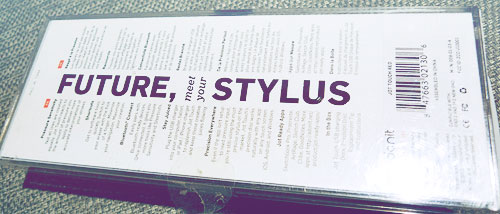 The back of the box
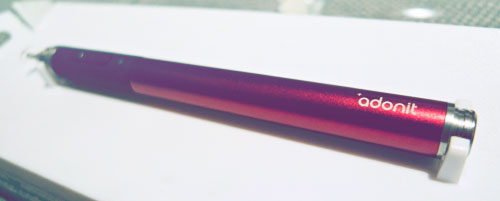 The stylus.
 The tip, with its basic precision disk. On the handle are 2 shortcut buttons for Adonit Jot Touch compatible apps.
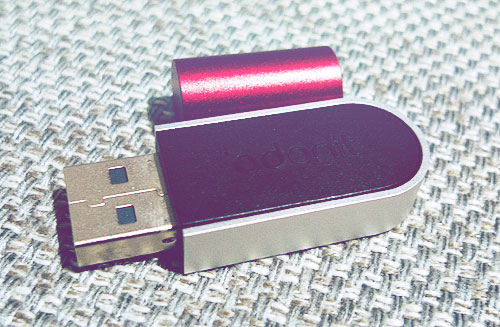 The cap and the charger adaptor.
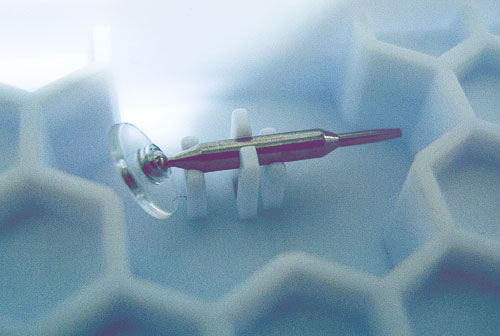 The box includes an extra tip. Just in case!
 Cool pamphlets in the box.
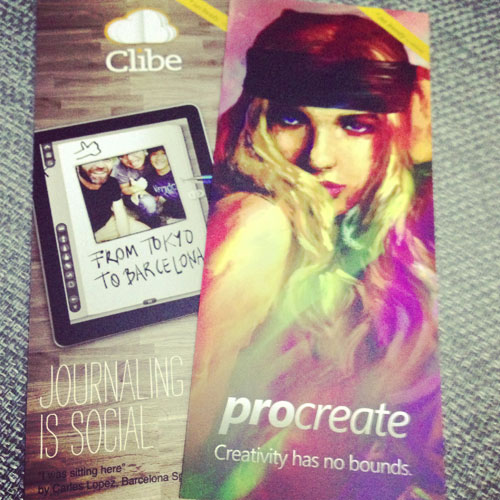 Recommended apps to use to with your Adonit Jot Touch.
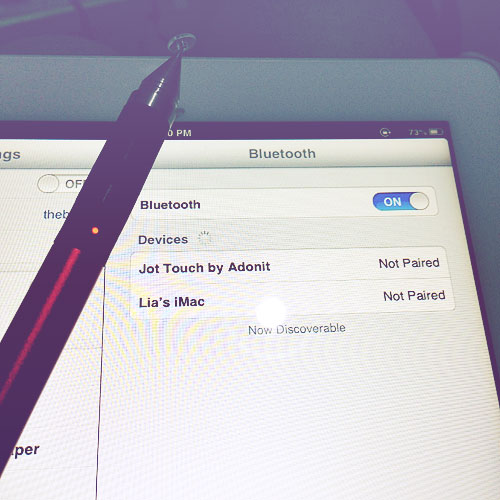 Very easy to pair with your iPad 2, New iPad and iPad Mini. (Was not able to try on a non-Apple tablet)
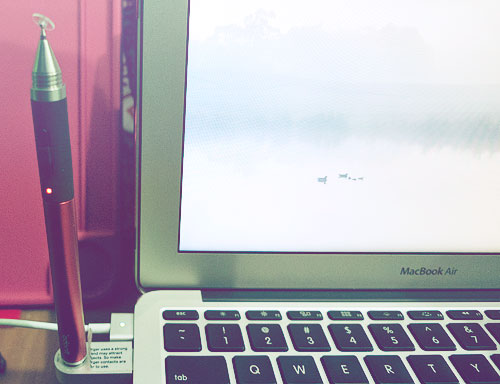 A bit awkward when charging since the pen is just sticking out there. But it’s magnetic so it’s firmly in place.
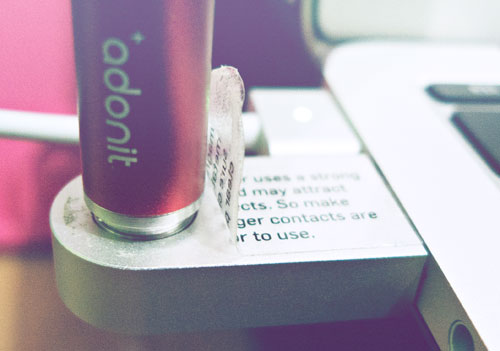 Upclose.
ADONIT JOT TOUCH FEATURES
Palm Rejection
The new Jot Touch lets you rest your hand on the screen as you work. The only thing that will make a line is your stylus. It’s time to draw like you’re used to.
Pressure Sensitivity
The New Jot Touch delivers over 2,000 levels of pressure sensitivity for the best looking and most natural lines.
Bluetooth 4.0
When paired with Bluetooth 4 devices, the new Jot Touch gets up to 1 month of battery life on a single charge. Not to mention enabling palm rejection, pressure sensitivity, and shortcut buttons.
Shortcut Buttons
Get to software tools quickly. “Undo” or switch colors with the flick or a finger.
Precision Disc
The transparent precision disc naturally glides across the screen and lets you see exactly where your mark will be made.
Dampening Tip
The sound dampening tip simulates the natural contact of writing with a pen on paper. This means your strokes will be quieter when note-taking or sketching.
GEEK GIRL THOUGHTS
I like:
- the whole writing experience. Like I said, it’s the closest you can get to an actual “pen” experience
- the weight of the stylus in my hand. It’s not too heavy, but not too light either. It’s just right.
- the charging time. It’s pretty fast!
- the battery life. You get 1 month battery life with normal use!
- that you can still use the Adonit Jot Touch as a normal stylus even if it doesn’t have any charge.
I don’t like:
- that the charger is so tiny! What if I lose it? Can I easily get another replacement? I wish they just integrated the charger with the stylus, like being able to plug the pen directly without any adapter.
- that it only comes in 2 colours: Gun Metal and Red. I need my pink.
- the price! So expensive!
Do I recommend Adonit Jot Touch? A definite yes. (If it’s within your budget, hehe!)
SOME SCRIBBLES USING PAPER APP
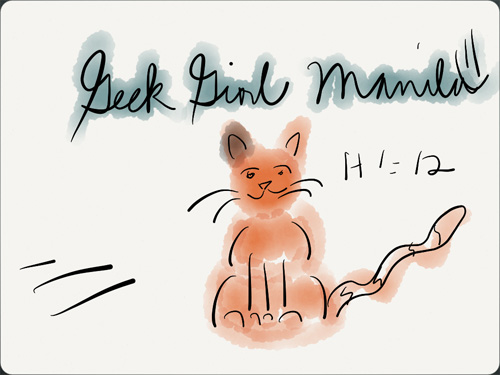 Scribble, scribble.
 Love your own!
 Hello World!
 Beach.
 Missing Nachos.
Adonit Stylus are sold are available and sold at the following resellers:
- Beyond The Box
- Digital Hub
- E-Central
- iBook
- iCenter
- Podworx
- Power Mac Center
- Technoholics
- The Inbox Store
- Digital Walker
- Astrovision/Astroplus
- Fortress
- SM Appliance
- Additekh
- Banana Telecom
Adonit Jot Touch is also available on Lazada Philippines.
—
♥ Follow Digits Trading on Facebook and Twitter(@DigitsTrading) for the latest news on gadgets and accessories in the market!


Leave a comment