Hi geeks!
I’m sure you’ve read a gazillion tips on how to take better selfies…
Selfie tips like:
#1 Find your light. Did you know that photography is basically painting with light? Always find a well-lit area when taking your selfie.
#2 Always background check. Remember that meme with the selfie of the girl in the bathroom and there was a poop in the toilet? Yeah, that pretty much explains it.
#3 Edit. Don’t be afraid to add filters and some stickers. Just make sure you don’t go overboard.
#4 Find your best angle. Let’s face it (see what I did there?!), people definitely have a better angle. A few selfies will help you identify your best angle.
#5 Don’t over do it. If the last 5 photos on your Instagram or Facebook feed are selfies, people probably hate you you’re probably overdoing it.
Those tips are pretty common, right?
But here’s ONE tip that I haven’t read anywhere and I find that this tip really helps me when I take selfies.
#6 Use a Timer
Android phones, I believe, have a built-in timer for their camera. For iPhones, you can download a timer app from the Apps Store.
I personally use TimerCamera.

There are a lot of timer apps on the Apps Store but I like TimerCamera for the following reasons:
1. It has a streamlined, classy interface compared to the others.
2. You can easily adjust the timer.
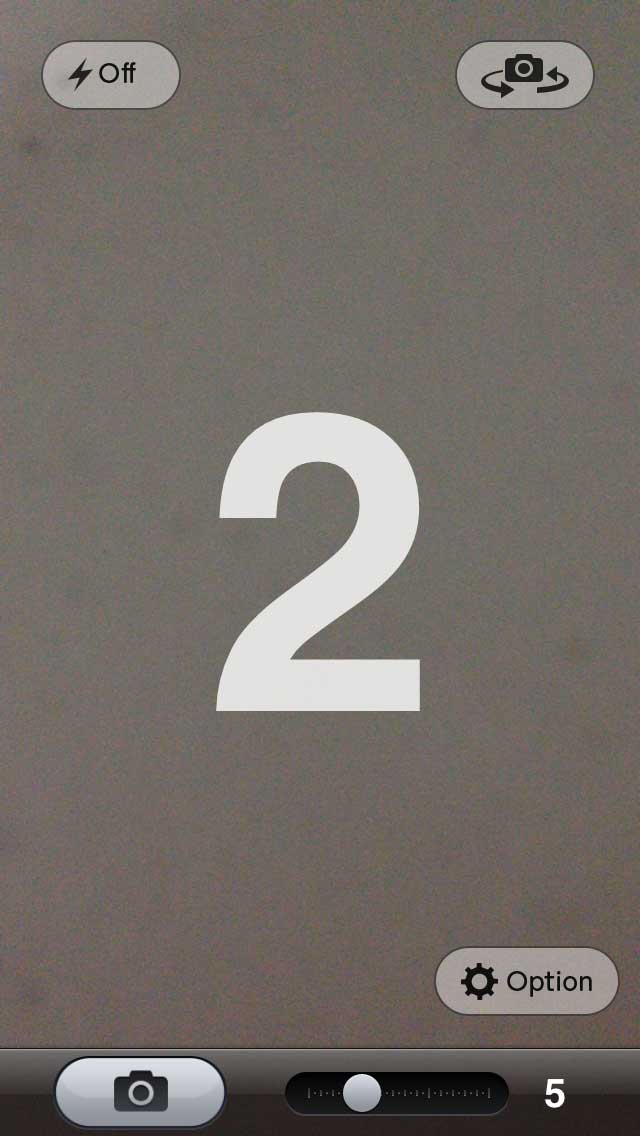
3. The app automatically saves your photo to the camera roll and you can easily share your photo on your social networks.
Why use a Timer?
- Using a timer can help you get into your pose better.
- You won’t have to fumble with the shutter button.
- How many times have you experienced having a bad, blurry selfie because the camera moved when you pressed the shutter?
- With a timer, you can use the better camera of your mobile phone (the one at the back of your phone). While it’s easier to take selfies using the front camera, the quality of the front camera is just really not that great, resulting in blurry, grainy photos.
So, try taking a selfie right now using a timer and let me know if it helps!
Remember, a selfie a day keeps the followers away… so take selfies in moderation.
XOXO,



Leave a comment